Est.2016
→
∞
Onboarding Automation: Reduce Time-to-Value With Checklists + Triggers
automation

The first few interactions a user has with your product can determine whether they stay or leave. Many users sign up with interest, but if they do not quickly understand how the product works or what value it offers, they lose motivation and drop off.
This is why reducing time to value is so important. Time to value is the moment when a user first experiences the real benefit of your product. The faster users reach that moment, the higher the chances of retention and conversion.
This is where Onboarding Automation: Reduce Time-to-Value With Checklists + Triggers becomes highly effective. By combining structured checklists with behavior-based triggers, businesses can guide users step by step and help them reach meaningful outcomes faster.
What is Onboarding Automation?
Onboarding automation is the process of guiding new users through a structured journey using automated workflows.
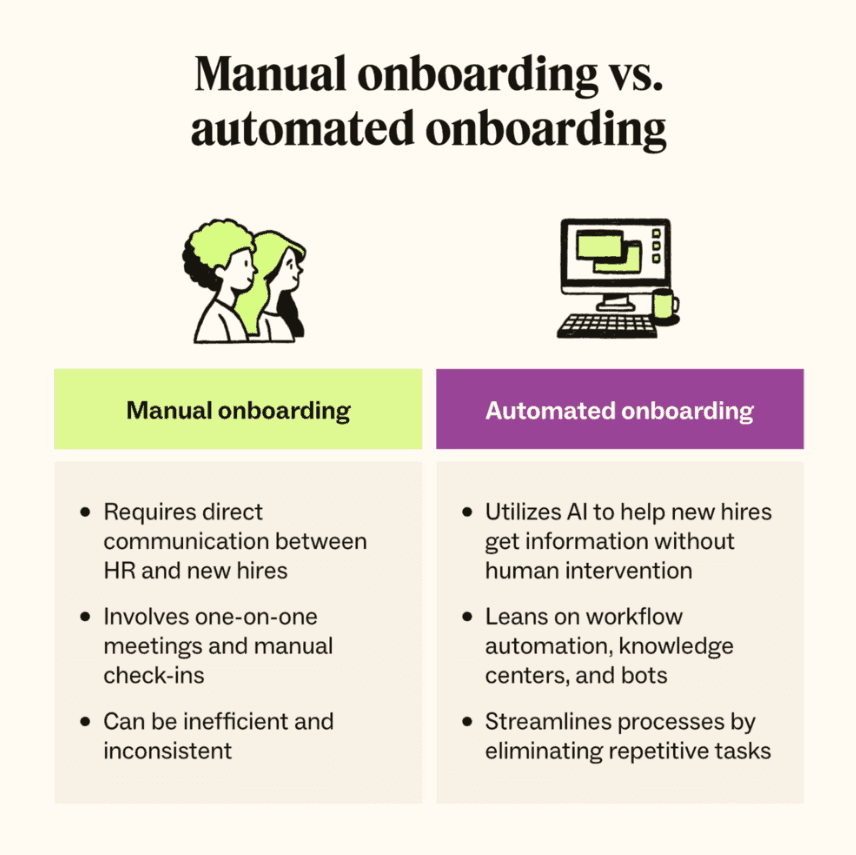
Instead of relying on manual support or generic instructions, automation delivers personalized guidance based on user actions. This can include welcome messages, onboarding emails, in-app prompts, and progress tracking systems.
The goal is to create a smooth and consistent onboarding experience that helps users move from sign-up to success without confusion.
Automation ensures that every user receives the right instructions at the right time, making the onboarding process scalable and efficient.
Why Time-to-Value Matters
Time to value is one of the most important metrics in user onboarding. If users take too long to experience value, they are more likely to abandon the product.
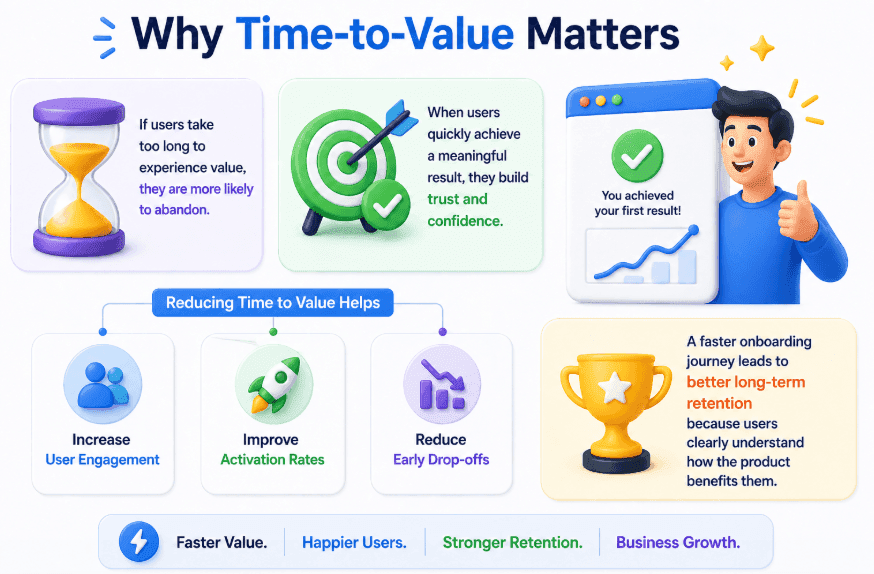
When users quickly achieve a meaningful result, they develop trust and confidence in the product.
Reducing time to value helps businesses:
Increase user engagement
Improve activation rates
Reduce early drop-offs
A faster onboarding journey leads to better long-term retention because users clearly understand how the product benefits them.
How Checklists Improve Onboarding Experience
Checklists play a crucial role in simplifying the onboarding process. Instead of overwhelming users with too much information, checklists break down the journey into small, manageable steps.
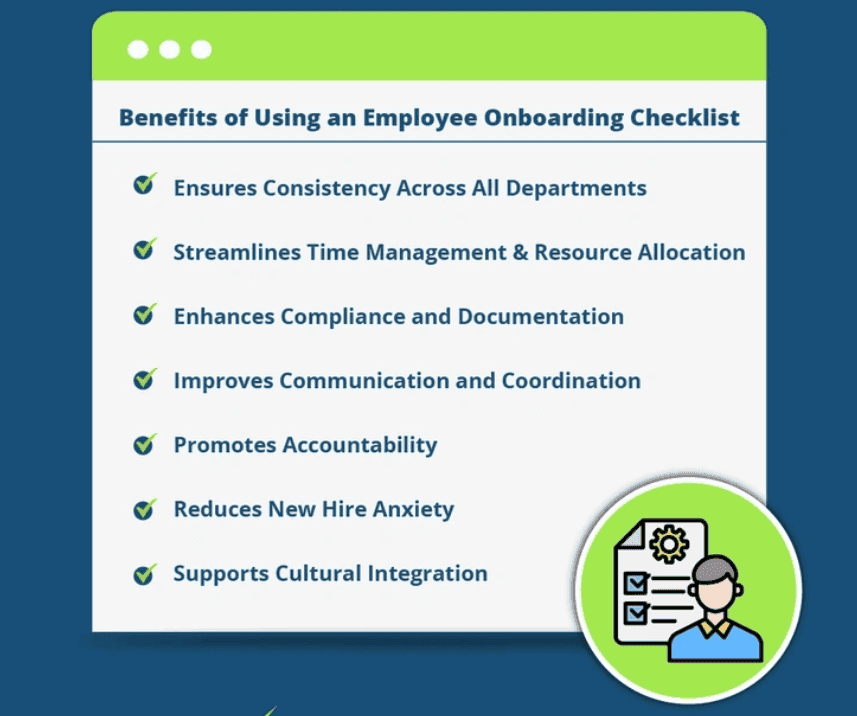
A well-designed checklist typically includes essential actions such as:
Completing account setup
Activating key features
Performing the first meaningful action
As users complete each step, they gain confidence and feel a sense of progress. This psychological momentum encourages them to continue using the product.
Checklists also remove uncertainty by clearly showing users what to do next.
Using Triggers to Guide User Behavior
Triggers are automated actions that respond to user behavior in real time. They ensure that users receive the right guidance exactly when they need it.
For example, if a user signs up but does not complete the setup process, the system can send a reminder or show an in-app prompt.
If a user completes a key step, the system can guide them to the next important action.
Common trigger-based actions include:
Reminders for incomplete onboarding steps
Suggestions for next actions
Support prompts when users become inactive
This dynamic approach ensures that onboarding feels interactive and responsive rather than static.
Combining Checklists and Triggers for Better Results
When checklists and triggers are used together, they create a highly effective onboarding system.
Checklists provide structure, while triggers add personalization and timing.
This combination ensures that users are not only guided step by step but also supported based on their behavior.
It helps prevent users from getting stuck and keeps them moving forward throughout the onboarding journey.
Benefits of Onboarding Automation
Automating onboarding provides several important benefits for businesses.
First, it improves user experience by offering clear guidance and reducing confusion.
Second, it reduces the workload for support and success teams by handling repetitive onboarding tasks automatically.
Another key benefit is scalability. Businesses can onboard thousands of users without increasing operational effort.
Finally, it improves retention by helping users reach value quickly and stay engaged.
Steps to Implement Onboarding Automation
To build an effective onboarding automation system, businesses should follow a structured approach.
Start by identifying the key actions that define user success. These are the steps that lead to the first meaningful outcome.
Next, design a simple and clear checklist that guides users through these actions.
Then, set up triggers that respond to user behavior and provide timely guidance or reminders.
Make sure the onboarding experience is simple and not overwhelming.
Finally, monitor user behavior and continuously improve the onboarding flow based on data and feedback.
The Future of Onboarding Automation
Onboarding automation is becoming more advanced with better personalization and data-driven insights.
Future systems will be able to adapt onboarding journeys based on individual user behavior, preferences, and goals.
This will allow businesses to deliver highly personalized onboarding experiences that improve engagement and long-term retention.
Automation will continue to play a key role in helping users achieve value faster.
Conclusion
Helping users reach value quickly is essential for product success. Without proper guidance, many users fail to understand the product and leave early.
By implementing Onboarding Automation: Reduce Time-to-Value With Checklists + Triggers, businesses can create a structured, responsive, and effective onboarding experience.
Automation ensures that users stay on track, achieve results faster, and build a stronger connection with the product.