Est.2016
→
∞
Customer Success Automation: QBR Summaries, Action Items, and Alerts
automation

Customer success teams play a critical role in retaining clients and driving long-term growth. As the number of customers increases, it becomes difficult to manage every interaction, track progress, and follow up on commitments manually.
Quarterly Business Reviews, often called QBRs, are especially important because they help businesses review performance, align on goals, and plan next steps with clients. However, creating summaries, tracking action items, and sending follow-ups can take a lot of time.
This is where Customer Success Automation: QBR Summaries, Action Items, and Alerts becomes valuable. Automation helps teams document meetings, organize tasks, and stay on top of customer needs without missing important details.
What is Customer Success Automation?
Customer success automation refers to the use of tools and workflows that simplify and streamline customer management processes.
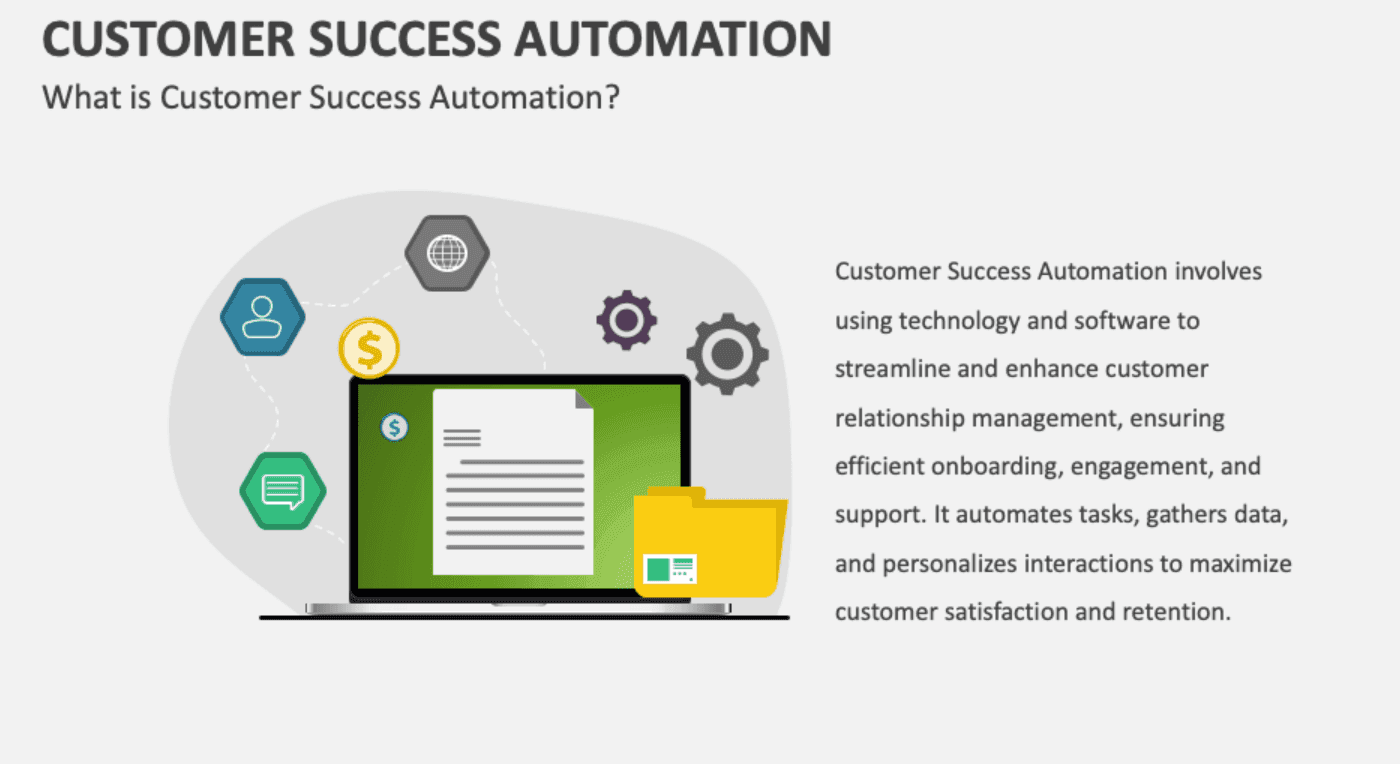
Instead of manually recording meeting notes, assigning tasks, and sending reminders, automation systems handle these activities automatically. This allows customer success managers to focus more on building relationships and delivering value.
Automation ensures that important information is captured, shared, and acted upon consistently across all accounts.
The Role of QBRs in Customer Success
QBRs are structured meetings where businesses review performance with their clients over a specific period. These meetings typically cover results, challenges, and future plans.
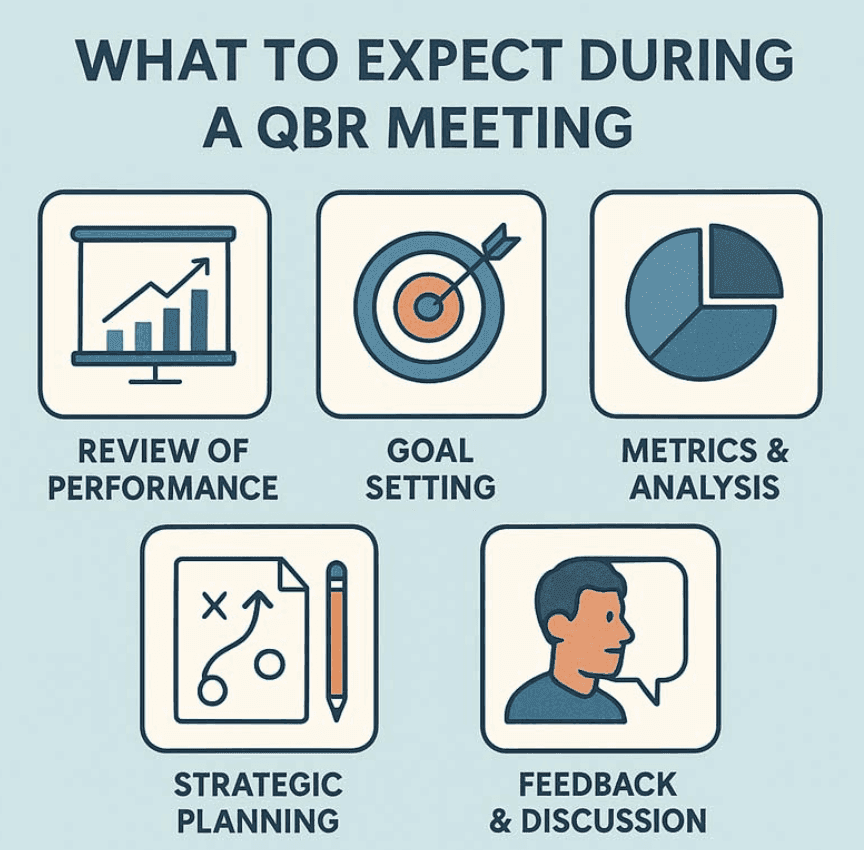
QBRs help in:
Evaluating progress and outcomes
Identifying areas of improvement
Strengthening client relationships
However, the work does not end with the meeting. Teams still need to create summaries, track commitments, and ensure that action items are completed.
Automation makes this process more efficient and reliable.
Automating QBR Summaries
Creating QBR summaries manually can be time-consuming and sometimes inconsistent. Important details may be missed, especially when teams manage multiple accounts.
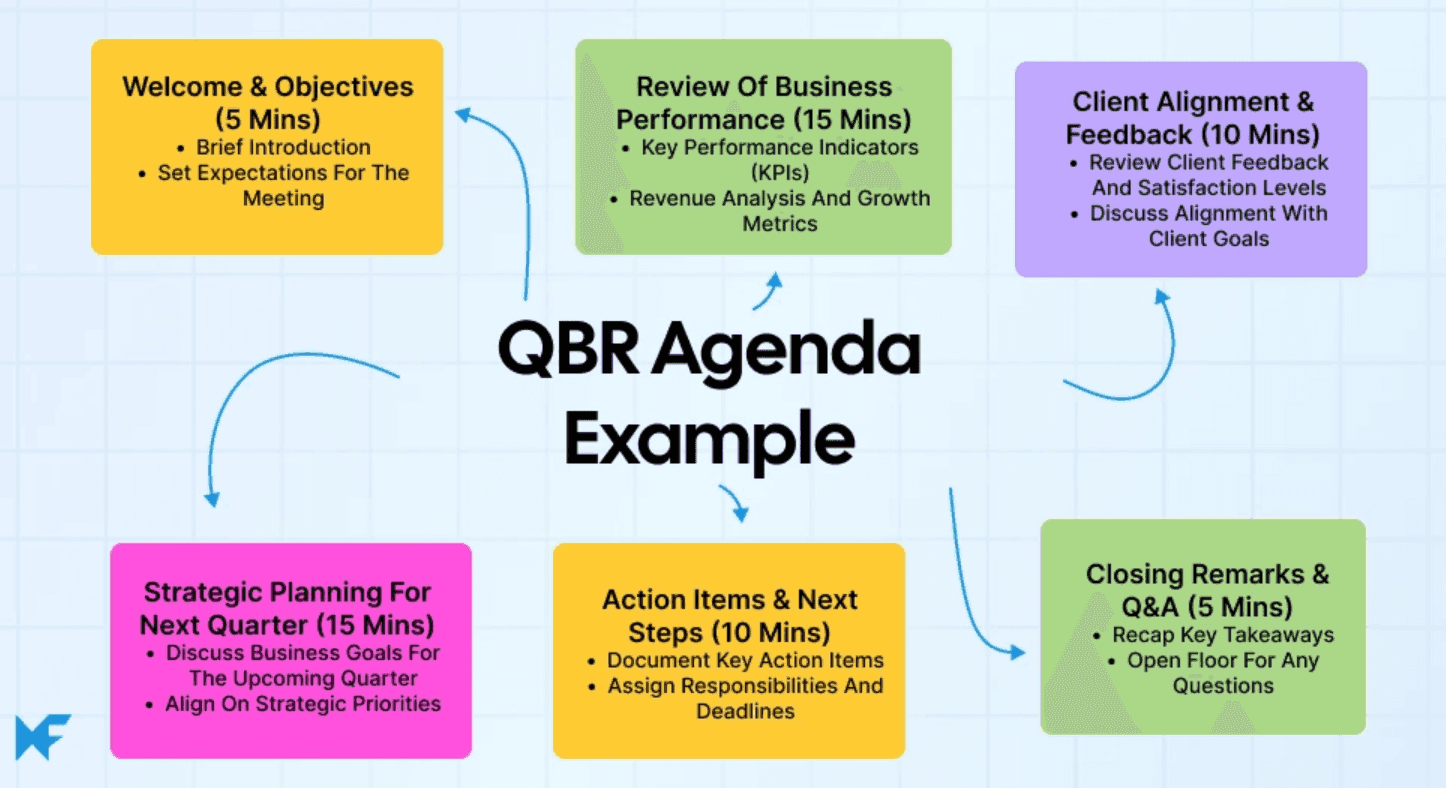
With automation, meeting discussions can be captured and converted into structured summaries automatically. These summaries can include key points, decisions, and next steps.
This ensures that both internal teams and clients have a clear understanding of what was discussed and what needs to happen next.
Managing Action Items Automatically
Action items are one of the most important outcomes of any QBR. They define the tasks that need to be completed after the meeting.
Automation helps by turning these action points into trackable tasks. Each task can be assigned to a specific team member with deadlines and progress tracking.
Instead of relying on manual follow-ups, the system keeps everything organized and visible. This reduces the chances of tasks being forgotten or delayed.
Using Alerts to Stay Proactive
Alerts play a key role in keeping customer success teams proactive. Automated alerts notify teams about important updates or risks related to customer accounts.
For example, alerts can be triggered when:
A task deadline is approaching
Customer engagement drops
Key milestones are missed
These alerts allow teams to take action early instead of reacting after problems occur. This proactive approach helps improve customer satisfaction and retention.
Benefits of Customer Success Automation
Automation provides several advantages for customer success teams.

First, it saves time by reducing manual work such as note-taking and task tracking.
Second, it improves consistency. Every QBR summary and action plan follows a structured format.
Another benefit is better visibility. Teams can easily track progress across multiple accounts.
Finally, automation helps teams stay proactive by providing real-time alerts and updates.
Steps to Implement Customer Success Automation
Businesses can implement customer success automation by following a clear process.
Start by identifying repetitive tasks such as note-taking, reporting, and follow-ups. These are the best areas to automate.
Next, choose tools that integrate with your existing systems, such as CRM and communication platforms.
Then, set up workflows for generating QBR summaries, assigning action items, and triggering alerts.
Regular monitoring is important to ensure that the system continues to work effectively and meets business needs.
The Future of Customer Success Automation
Customer success automation is evolving rapidly with advancements in data analysis and intelligent systems.
Future solutions may provide deeper insights into customer behavior, predict potential risks, and suggest actions before issues arise.
Automation will continue to help teams deliver a more personalized and proactive customer experience while managing larger customer bases efficiently.
Conclusion
Managing customer relationships effectively requires consistency, speed, and attention to detail. Manual processes often make it difficult to keep up with growing demands.
By implementing Customer Success Automation: QBR Summaries, Action Items, and Alerts, businesses can streamline their workflows, improve communication, and ensure that important tasks are never missed.
Automation allows customer success teams to focus on what matters most: building strong relationships and delivering value to customers.